Put any product
in any scene.
Upload one flat product photo. Embellify hands back a studio-grade lifestyle image with your product kept 100% intact — scenes that actually lift conversion. In the studio, or over the API.
From €0.30 per image · no subscription · failed jobs refunded
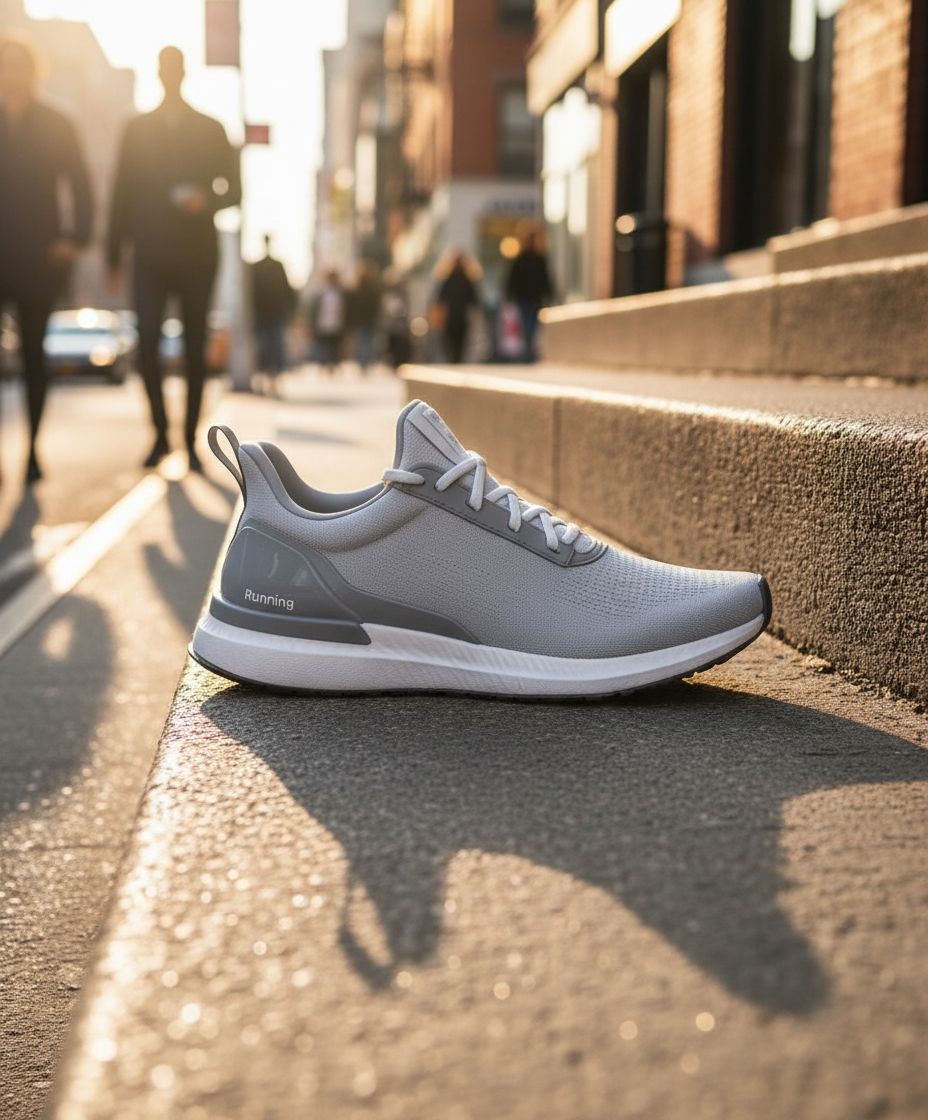

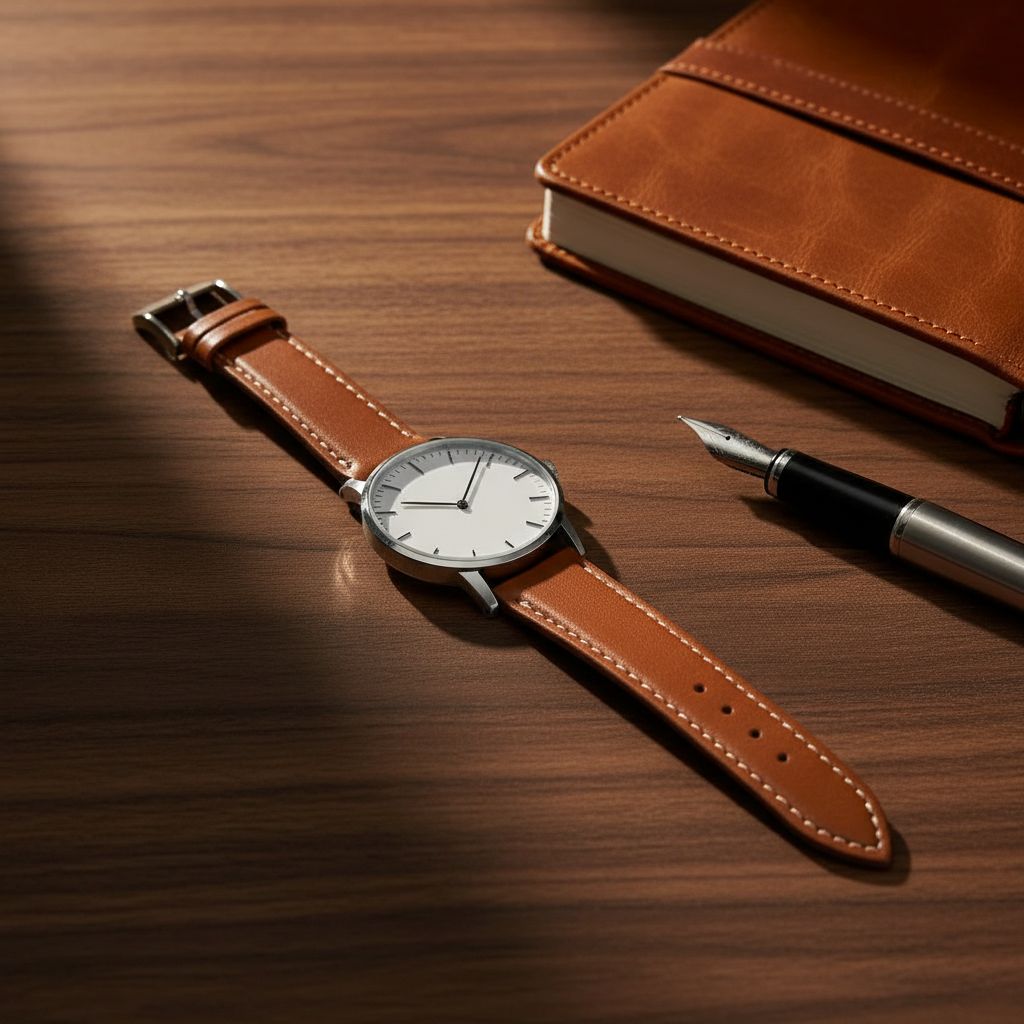
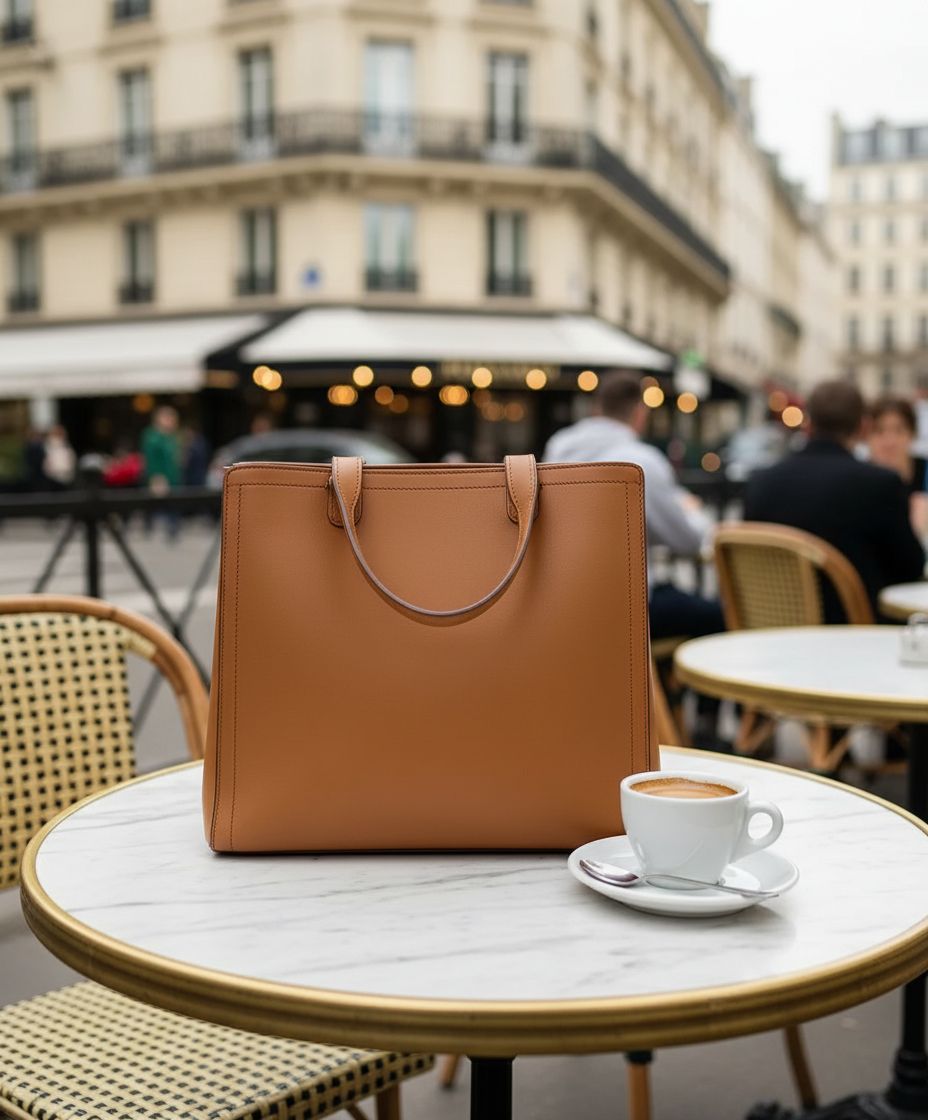
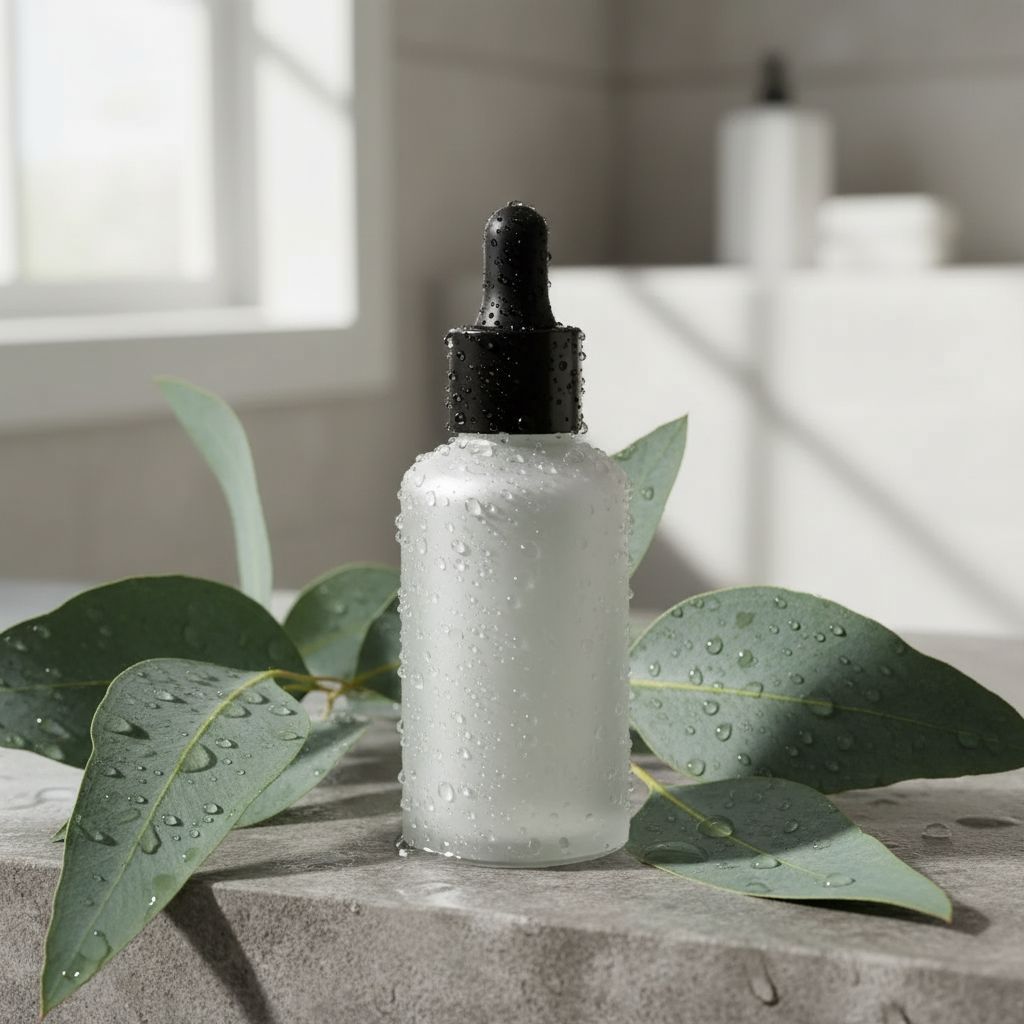

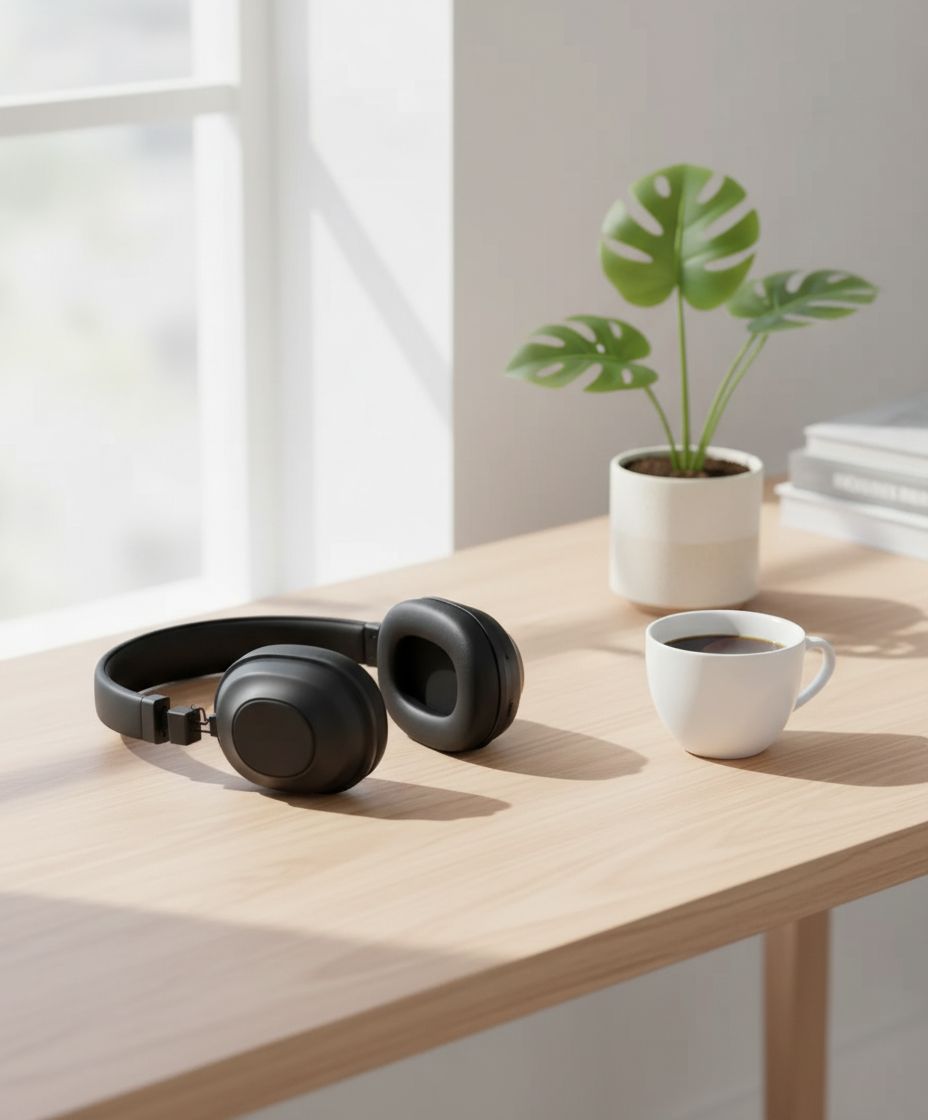

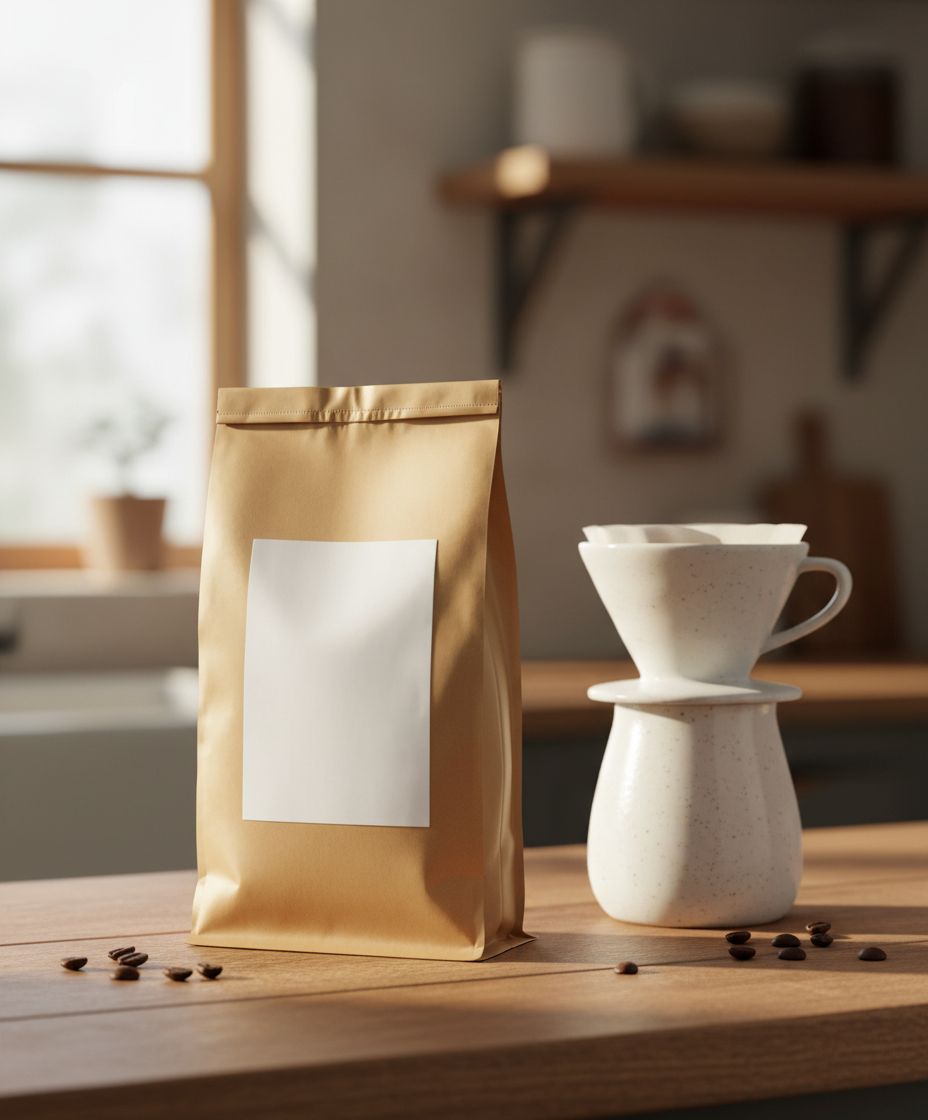
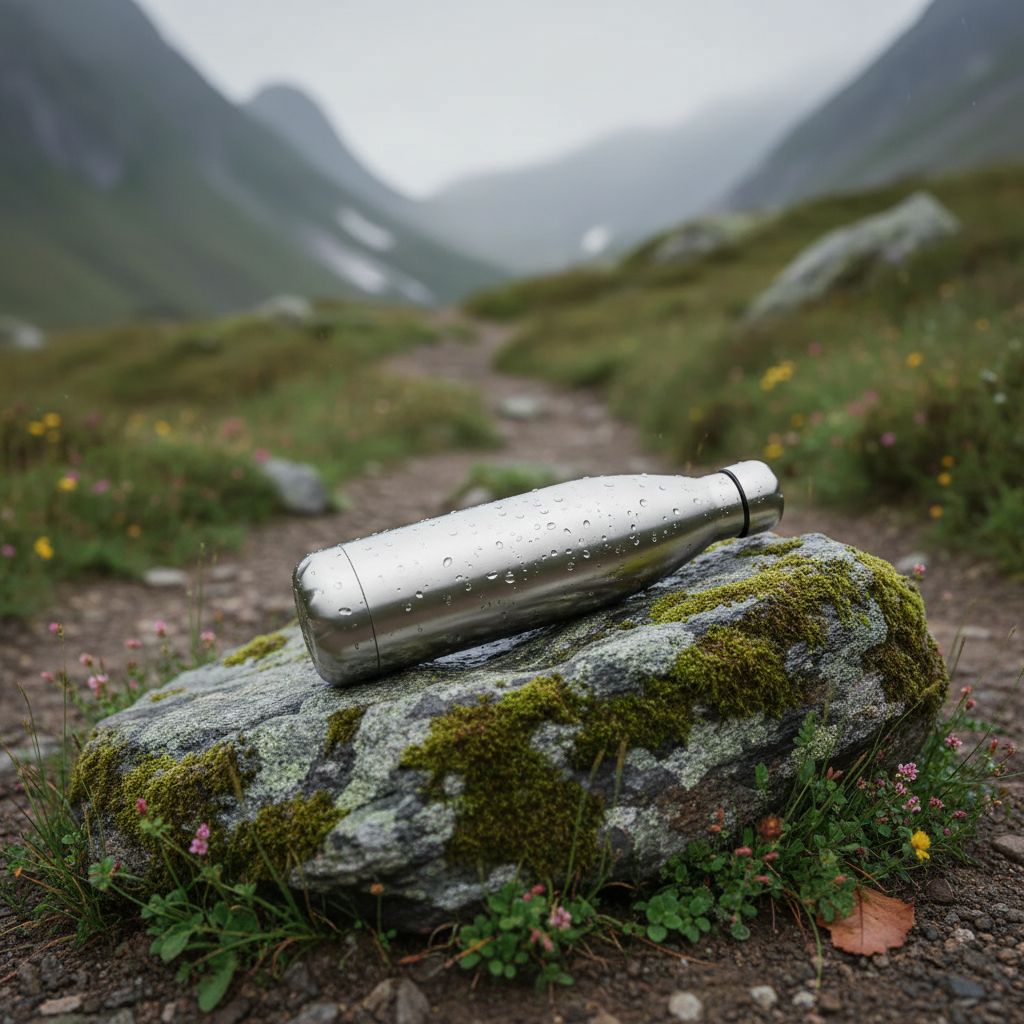
Drag to compare
The product never changes.
Only the world around it.
Every pixel of your product is preserved — logo, colour, proportions, label. Embellify rebuilds the scene around it so it looks shot on location, not pasted in.
Scene: City street, golden hour
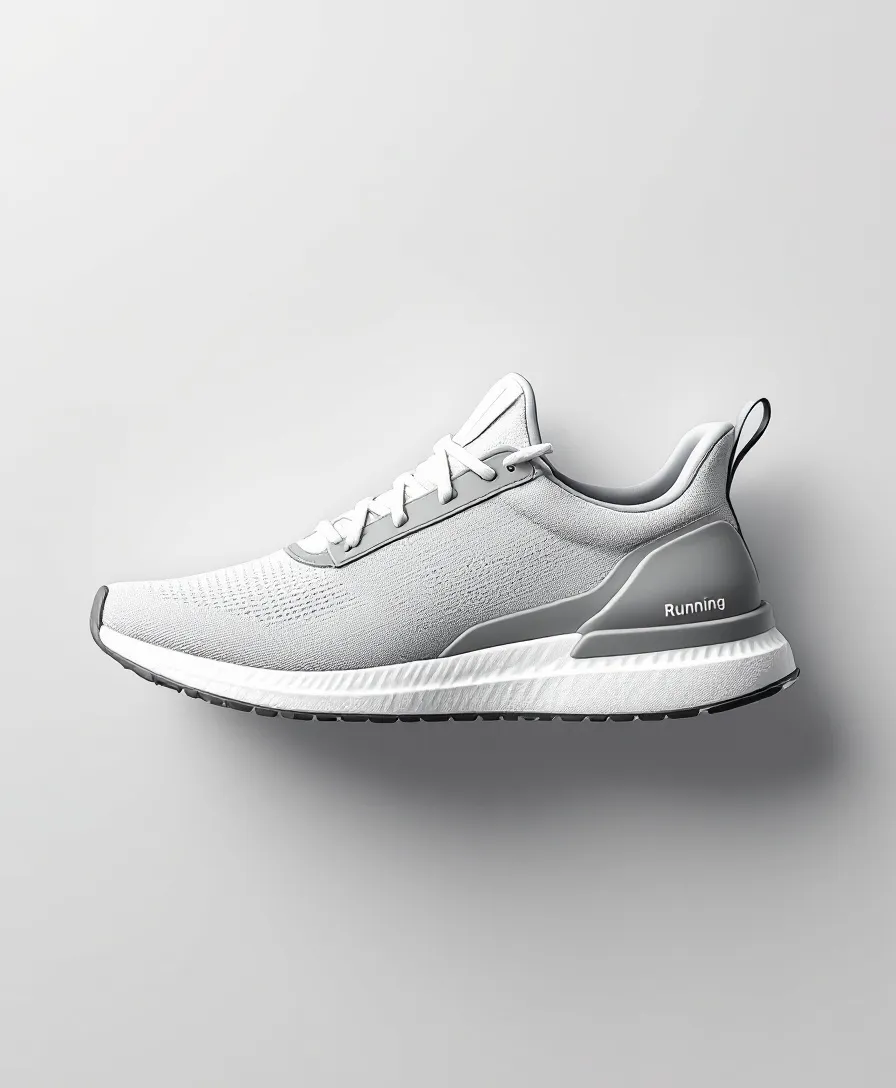 Before
Three steps to a shot.
Upload one product photo
A flat catalogue shot on any background — PNG, JPG or WebP. One file is all the engine needs.
Describe the scene — or don’t
“On a marble counter, morning light.” Type a situation, or leave it blank and let a house scene carry it.
Get a scene that converts
A lifestyle frame in the exact ratio you sent, with your product untouched. Download it or pull it from the API.
Coherence you can ship to a product page.
100% product-faithful
Logo, colour, proportions and label survive intact. The subject is never re-imagined — only relit and re-staged.
Built on the latest models
Runs on today’s best instruction-edit models, where scene coherence and lighting finally hold up.
Made to lift conversion
Lifestyle imagery outsells flat packshots. Generate dozens of in-context scenes per SKU.
Ratio-faithful
Send 1:1, get 1:1. Send 9:16, get 9:16. Output never crops your framing to fit a template.
Two ways in
A studio for hands, a REST endpoint for pipelines — the same engine behind both.
Fewer studio days.
More scroll-stopping scenes.
Skip the photographer, the props and the reshoots. Turn the one packshot you already have into a full campaign of in-context imagery — every SKU, every channel.
Open the studioOne endpoint. Any pipeline.
Generate an API key in settings, then send an image as a URL, base64 or multipart. You get a job id back and poll for the result — or pass a webhook and let it call you.
curl https://api.embellify.com/api/v1/generations \
  --request POST \
  --header "Authorization: Bearer sk_live_…" \
  --header "Content-Type: application/json" \
  --data '{
    "image_url": "https://…/product.png",
    "situation": "on a marble counter, morning light",
    "aspect_ratio": "4:5"
  }'

# → 202 { "job_id": "gen_…", "status": "queued",
# "cost_credits": 1 }Buy images. Use them whenever.
Questions, answered.
Does it really keep my product identical?+
Yes. The subject from your photo holds its identity, proportions, colour and framing — only the scene around it is rebuilt. That faithfulness is the whole point of the product.
Which model runs the edit?+
By default a Gemini-class instruction-edit model that keeps the product intact while rebuilding the scene. You can override the model per request from the studio or the API.
How does billing work?+
Volume pricing — the more you buy, the less each image costs, from €0.40 down to €0.30 per image. About 3–4 scenes per product sheet. You buy a pack of images upfront, with no subscription. If a generation fails, that image is refunded to your balance automatically.
Is there an API?+
Yes. Create a key in settings and post an image (URL, base64 or multipart) to /api/v1/generations. You get a job id back and poll for the result, or pass a webhook.
What aspect ratios are supported?+
The output matches your input frame by default — 1:1, 4:5, 9:16, 3:2, 16:9, 2:3 and more. You can also force a target ratio per request.
Shoot your whole catalogue tonight.
No studio, no photographer. One photo per product, a few scenes each.